-
1
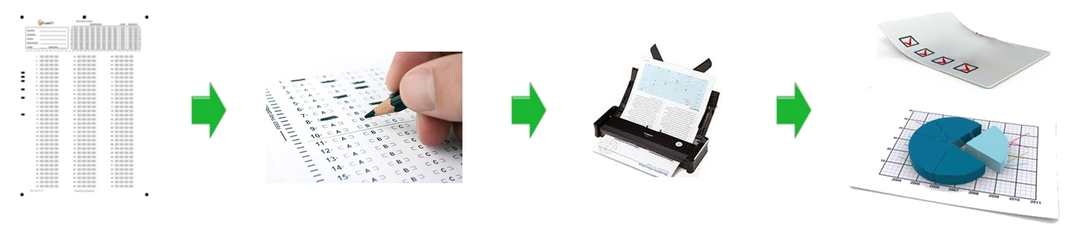
Use ExamIO to design your test.
-
2
Once you have designed your test, you can save it as an image so you can print as many copies as you need for the people under evaluation.
-
3
Give the test to the people you want to evaluate and check that they fill it in correctly.
-
4
Scan the already filled tests as .jpg images with an automatic scanner at a minimum resolution of 300 dpi. Make sure the circular marks appear in each corner of the paper sheet. Place all the scanned images in a single folder.
-
5
Open ExamIO to correct the test: select the "Correct" button and specify the directory where the scanned tests have been placed, and where you want to save the results. Press the start button to correct the tests.
-
6
Analyze the results using the ExamIO results inspector.